
Introduction
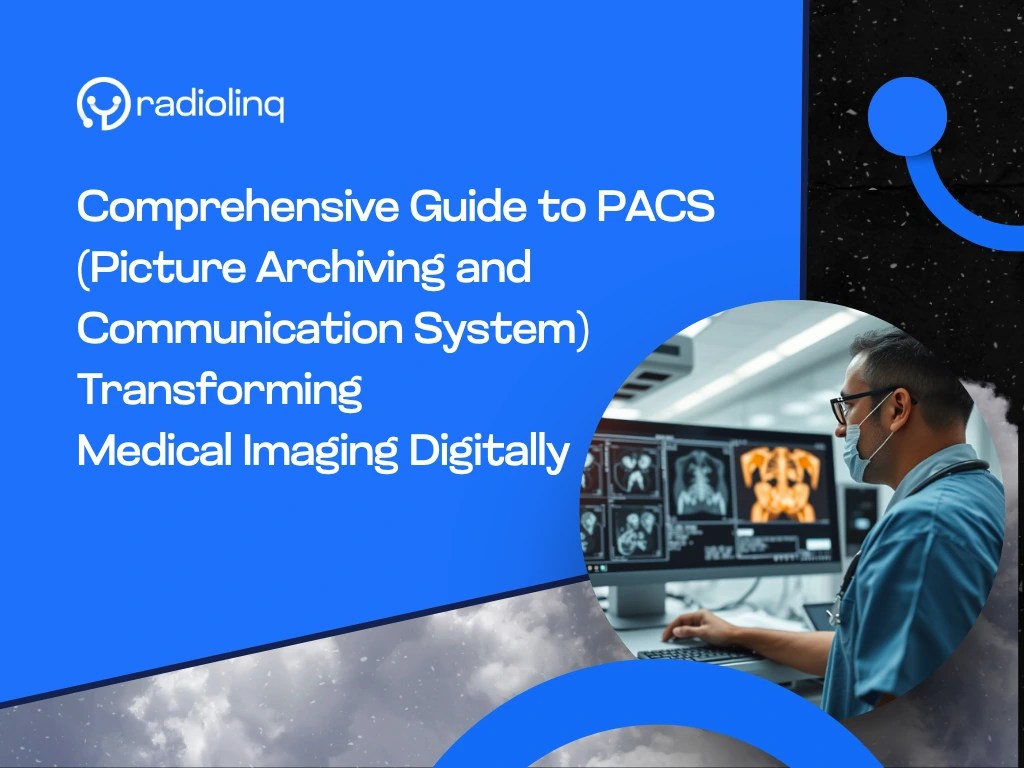
Have you ever had an X-ray or a scan at a hospital? Years ago, doctors used films to look at these images. Today, most of that work is done on computers using a system called PACS-short for Picture Archiving and Communication System.
This system helps doctors store, find, view, and share medical images safely and quickly. It’s a big part of how hospitals work better today. Let’s break it down in a way that’s easy to understand.
What Is PACS?
PACS is like a digital photo album for medical scans. It stores images from:
- X-rays
- MRI scans
- CT scans
- Ultrasounds
Doctors and nurses can look at these images on a computer, tablet, or even a phone. Instead of printing films, the pictures are saved safely in a computer system.
How PACS Works
Here’s what happens step by step:
- A patient gets a scan (like an X-ray).
- The image is sent to PACS through a secure internet connection.
- The image is saved with the patient’s name and details.
- Doctors can look at it right away—even from a different hospital.
Voice search tip:
“How does PACS work in hospitals?”
It helps doctors see scans quickly without using film.
Why PACS Is Helpful
• Fast
Doctors don’t have to wait for film. They can see images right away.
• Clearer Images
Digital pictures are sharper. This helps doctors spot problems easily.
• Saves Money
No film or chemicals needed. Everything is online.
• Easier Sharing
If a second opinion is needed, doctors can share the image instantly with another expert—even in another city.
• Safe and Secure
Only approved people can see the images. Patient information stays private.
Types of PACS Systems
🌐 Cloud-Based PACS
- Images are saved on the internet.
- Doctors can see them from anywhere.
- No big computers needed at the hospital.
🏥 On-Site PACS
- All data is stored in the hospital’s own system.
- More control, but needs IT support and space.
🔁 Hybrid PACS
- A mix of both.
- Saves some data on-site and some on the cloud.
What Modern PACS Can Do
- Find images quickly with patient names and scan types.
- Let doctors see 3D images to understand the body better.
- Help in telemedicine—doctors can check images from far away.
- Work on tablets and phones too.
How Hospitals Choose the Right PACS
Selecting the best PACS isn’t just about features—it’s about how well the system fits your hospital’s current needs and future growth plans. Here are the key factors hospitals must consider:
📈 Can the system grow as the hospital grows?
The PACS must be scalable. This means it should:
- Support more users and departments over time
- Handle growing volumes of image data
- Offer modular upgrades (like AI, 3D, telehealth tools)
Voice-search tip:
“Will PACS work if our hospital expands in the future?”
Yes—choose a scalable system that can grow with your needs.
🔗 Will it work with other software doctors use?
Your PACS must easily integrate with existing hospital systems such as:
- Electronic Health Records (EHR)
- Radiology Information System (RIS)
- Hospital Information System (HIS)
- Laboratory or billing platforms
Look for systems that support DICOM and HL7 standards to ensure seamless data sharing.
💰 Is it affordable in the long run?
Price isn’t just about the upfront cost. You must consider:
- License fees
- Maintenance and support costs
- Training and upgrade charges
- Data storage (cloud vs local) costs
A cloud PACS often has lower startup costs and predictable subscription fees, while on-premises systems may require more hardware investment.
🛠️ Does the company give good support and training?
Choose a vendor that offers:
- 24/7 technical support
- Onboarding training for doctors, radiologists, and IT staff
- Clear Service Level Agreements (SLAs)
- Regular system updates and feature rollouts
Pro tip: Ask for case studies or reviews from other hospitals.
Choosing the right PACS doesn’t have to be hard.
We’ve made it easy with our all-in-one Cloud PACS solution—built for scalability, interoperability, and efficiency.
Start your transformation now. Contact us for a tailored quote or pilot setup.
What’s Next for PACS?
- AI (Artificial Intelligence) will help find diseases faster.
- Cloud systems will let doctors work together across the world.
- PACS will work better with other hospital tools like patient records.
Eco-friendly systems will save energy and help the planet.
Final Conclusion
PACS has changed the way hospitals manage imaging—faster, smarter, and more securely. If you’re looking for:
- A cost-effective solution
- Fast implementation
- Full feature coverage
- Easy cloud access
Then our Cloud PACS is your perfect fit.
Visit Radiolinq now to request a free demo or chat with our imaging experts. Your digital transformation starts here.
Frequently Asked Questions
What is the full form of PACS in radiology?
PACS means Picture Archiving and Communication System. It’s used to store and share medical pictures.
What is a Picture Archiving and Communication System?
It’s a computer system that helps doctors store and see images from scans like X-rays and MRIs without using films.
What is a PACS system in radiology?
A PACS system is a tool that helps radiologists (doctors who read scans) to see images fast and safely on computers.
 blog.radiolinq.com
Leave a comment